
Containers: What They Actually Are and Why Your Program Keeps Hearing About Them

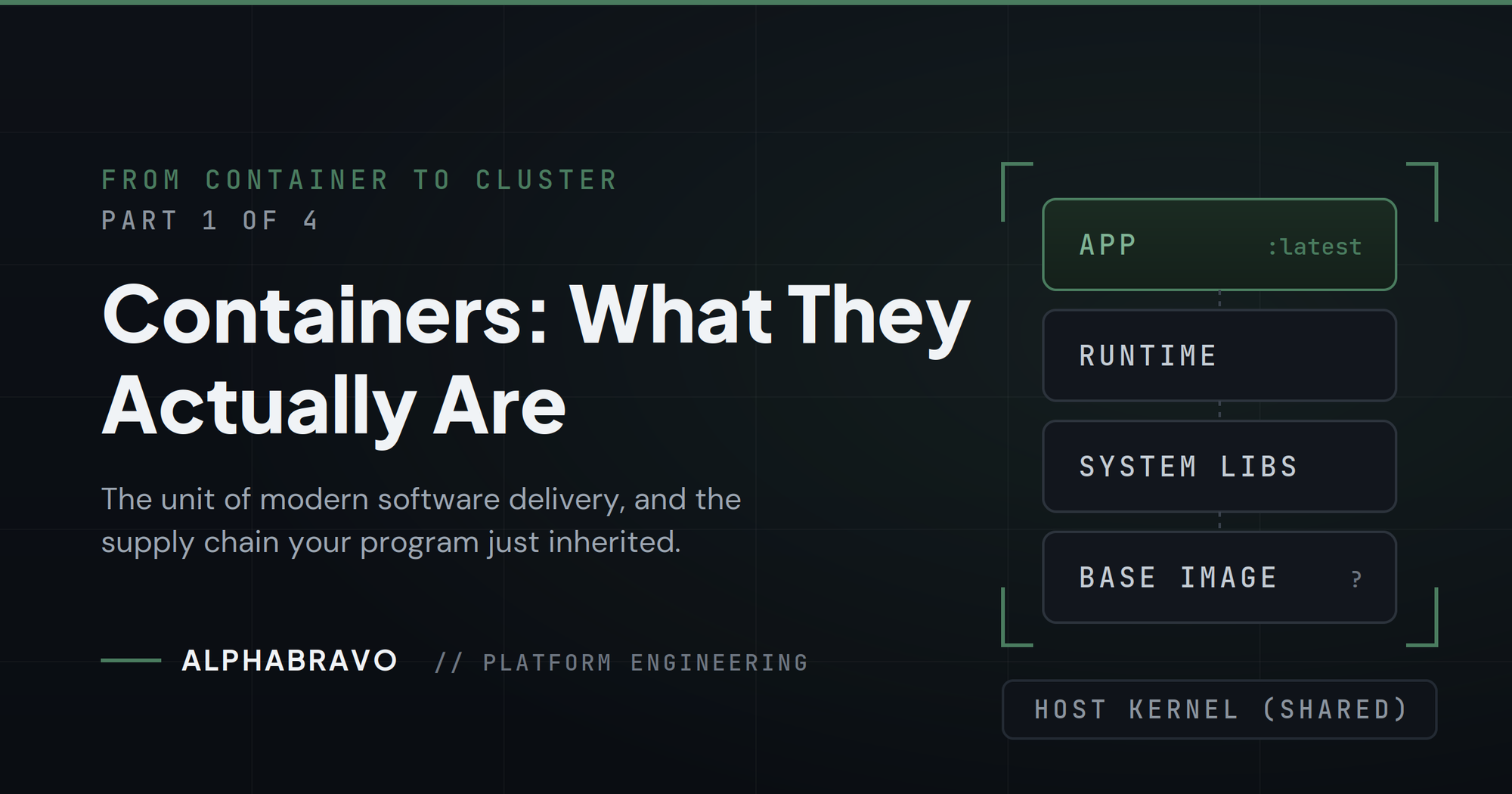
Series: From Container to Cluster, Part 1 of 4
Every modernization briefing in the Department of Defense eventually lands on the same slide. Containers. Kubernetes. DevSecOps. The words get used so often they stop meaning anything. This series exists to fix that. Four posts, written by engineers who deploy this stuff in the environments you actually operate in. No vendor gloss. No analyst-speak.
We start at the bottom of the stack, because everything else in this series depends on it.
The problem containers solve
Software has a portability problem. An application that runs fine on a developer's laptop fails on the integration server. It fails differently on the production host. The application code is identical in all three places. What changed is everything around it: the operating system libraries, the language runtime version, the environment variables, the file paths someone hardcoded in 2019.
For decades the answer was documentation. Install these packages. Set these variables. Pray. The documentation was wrong the day after it was written, and the person who knew why left for another contract.
A container solves this by packaging the application together with everything it needs to run. The code, the runtime, the system libraries, the configuration. All of it travels as one unit. If it runs on one machine, it runs on the next one, because the application never actually touches the host's libraries. It brought its own.
What a container is not
A container is not a virtual machine. This distinction matters and it gets blurred constantly.
A virtual machine emulates an entire computer. It boots its own operating system kernel, allocates its own memory, and pretends to be hardware. That isolation is strong, but it is expensive. Each VM carries gigabytes of operating system it mostly does not use, and it takes minutes to boot.
A container shares the host's kernel. It is not a fake computer. It is a process on the host, wrapped in kernel features that isolate what it can see and touch. Namespaces control what the process can see: its own file system, its own network interfaces, its own process list. Control groups limit what it can consume: CPU, memory, I/O. The result feels like a separate machine from inside the container, but it starts in milliseconds and weighs megabytes instead of gigabytes.
The tradeoff is real. Sharing a kernel means the isolation boundary is thinner than a VM's. That has security implications, and we deal with them honestly in Part 2. But the operational gain is enormous. You can run dozens of containers where you ran a handful of VMs, and you can start, stop, replace, and scale them in seconds.
Images, registries, and the supply chain you just inherited
A container starts from an image. The image is the packaged artifact: a layered, read-only snapshot of the file system the container will run with. You build an image once and run it a thousand times, on a thousand hosts, and it behaves the same way every time. That determinism is the whole point.
Images live in registries. A registry is a versioned artifact store that speaks a standard protocol. When a host needs to run a container, it pulls the image from a registry, verifies it, and starts the process. Docker Hub is the public registry most people know. Your program will not be using Docker Hub, for reasons that become obvious quickly.
Here is the part the briefing slide skips. Most images are built on top of other images. Your application image sits on a language runtime image, which sits on a base operating system image, which someone else built, from sources you have never audited, with packages you have never inventoried. The moment your program adopts containers, it inherits a software supply chain. Every layer is a decision someone else made. Every package in every layer is a potential CVE with your program's name on it.
This is not a reason to avoid containers. It is the reason container security is its own discipline, and it is exactly where this series goes next.
Why the DoD cares
Containers matter to defense programs for three concrete reasons.
First, consistency across enclaves. The same image that ran in the development environment runs in test, runs in the accredited production environment, and runs at the edge. What was tested is what is deployed. Byte for byte.
Second, speed of change. When software ships as an image, an update is a new image version. Rolling it out is a controlled, reversible operation instead of a maintenance-window ritual with a rollback plan written in hope.
Third, density and portability at the edge. Disconnected and resource-constrained environments cannot afford a VM per application. Containers put more capability on less hardware, and the artifacts are small enough to move across an air gap on realistic media.
None of that is automatic. A container image with 400 known vulnerabilities is consistent, fast, and portable too. It just delivers its problems everywhere with perfect reliability.
Where this series goes
Part 2 covers hardened containers and what it actually takes to run them in production, not just to pass a scan once. Part 3 moves up the stack to Kubernetes and how to secure the system that orchestrates all of this. Part 4 closes with automating the deployment of the infrastructure underneath it all, because a secure platform that takes six months to stand up is a platform nobody uses.
Containers are the unit of modern software delivery. The rest of the series is about delivering that unit without delivering the risk that usually comes with it.
AlphaBravo builds and operates secure platforms for the DoD and federal agencies. Our engineers work in the same disconnected, classified, and constrained environments our platforms are built for.